Candidate Portal
Give candidates a voice in the review.

Report Review & Decision Support
Focus on assigned reviews, examine current reports in the candidate panel, and retain the reason and rules behind each recorded decision.
Your team makes the decision. IDC organizes the review.
Give candidates a voice in the review.
Focus your team on the next review.
See the full picture before you decide.
Set clear standards and retain decisions.
Review the current report in the candidate panel. Keep the recorded outcome, reason, and evaluated rules together for later inspection.
| Candidate | Next Action | Job Profile | Date | Priority | Triggered Rule | Status |
|---|---|---|---|---|---|---|
| Sample Candidate 01 | Review Report | Operations | 10/20/2026 | Medium | Profile review | In Review |
| Sample Candidate 02 | Review Report | Client Services | 10/21/2026 | High | Profile review | Review Required |
| Sample Candidate 03 | Review Report | Field Team | 10/21/2026 | Low | Profile review | In Review |
Review Report
Review the authorized report inline, with a protected PDF alternative where available.
Opening a report does not save a decision.
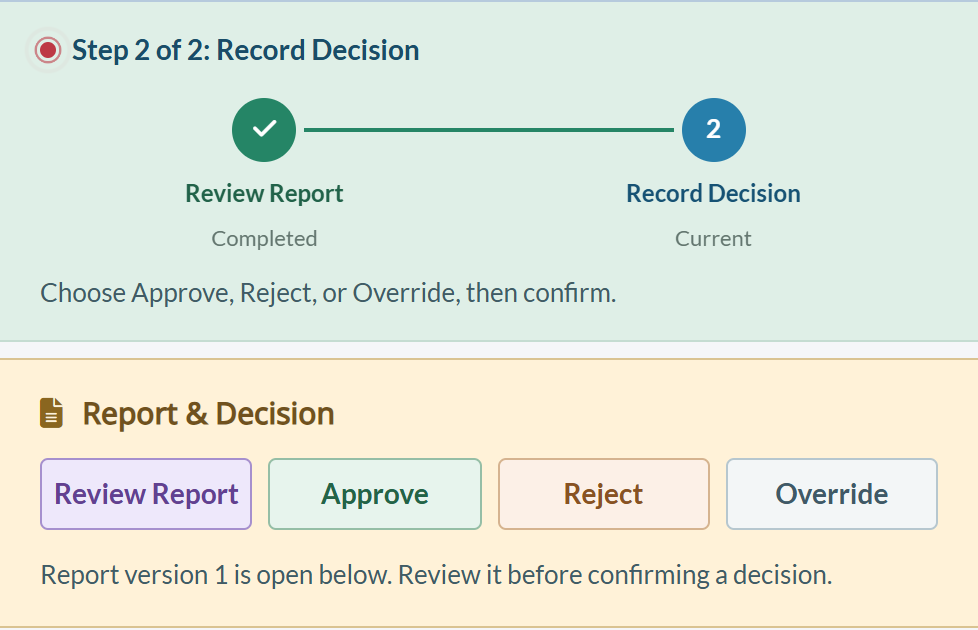
Decision Record
The timeline confirms both review and decision are complete. Open Details or History for the recorded outcome and supporting trail.
The saved report remains available for reference.
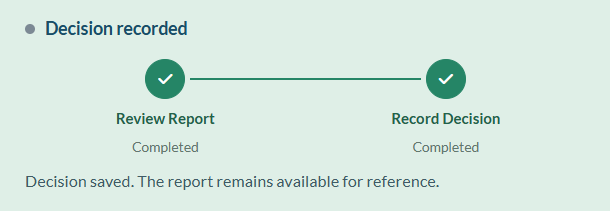
Manage Job Profiles
Authorized staff select a profile, inspect its Rule Summary, and add or edit rules. Profile availability has separate Start and Pause controls.
Later settings edits do not silently revise earlier decisions.
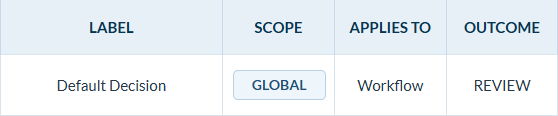
Queue Ownership
Organize assignments with My Queue, Unassigned, and clear next actions. Keep Candidate Portal responses linked to the screening case; open Candidate Advocacy for explanations and evidence.
Focus on review work assigned to you.
Identify alerts that still need a review owner.
Narrow the register, then inspect the actual blocker.
Report to Decision
Move from the current report to a confirmed outcome, with the review and explanation retained. Decision controls depend on screening readiness, report access, and reviewer permissions.
Examine the authorized current report and the relevant rule context. A changed report or expired review receipt requires a fresh review.
Choose a permitted outcome, supply the required explanation, and confirm. Pause and Cancel manage workflow; neither records an outcome.
A triggered rule is a reason to review, not an automatic hiring decision.
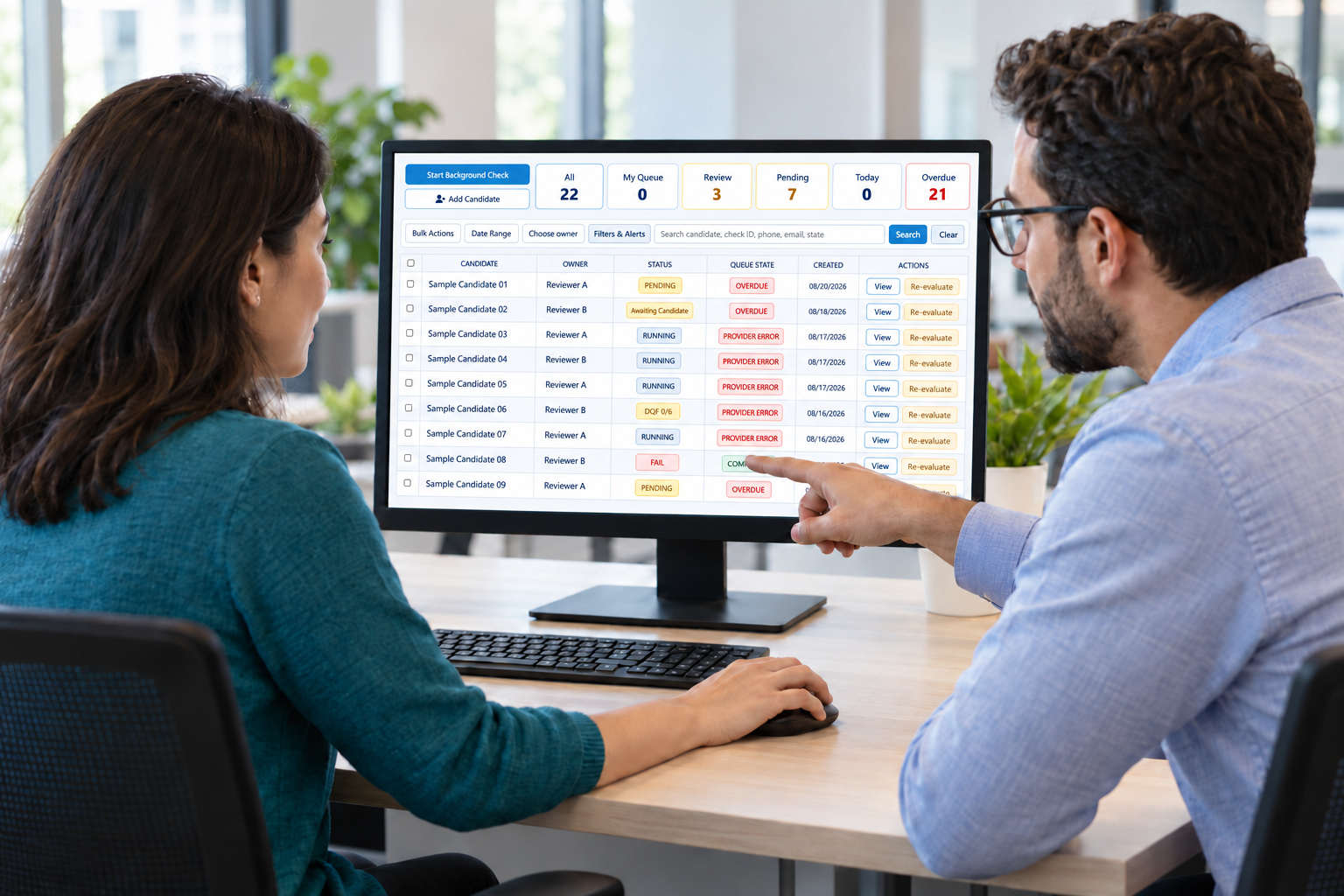
Candidate Context
Review candidate explanations and evidence in the linked Candidate Advocacy case, then document the follow-up.
Job Profiles & Rules
Manage profile rules separately from candidate alerts, recorded decisions retain the effective rules and revision.
Find the recorded outcome in Recent Decisions, inspect Details and History, and export the protected signed packet when authorized.
Review the saved decision and supporting report reference.
Inspect events and export the protected signed packet when authorized.
Handle notices and response windows separately. Decisions send no notice.
Common Questions
Practical answers about review queues, rules, and recorded decisions.
The employer owns the decision; a status label is not a hiring recommendation.

Yes, where available. Review the current authorized report in the candidate panel or use the protected PDF alternative.
Check the displayed blocker, screening completion, current report access, reviewer scope, permissions, and any required MFA.
No. A rule match supplies review context. An authorized person reviews the current report before recording a permitted outcome.
No. Earlier signed packets retain the evaluated rules and revision. Settings edits do not silently rewrite a saved decision.
No. Work State is retained for context; the current engine does not apply location-specific criteria.
No. Adjudication records the decision. Any applicable notice and waiting workflow is handled separately in Adverse Actions.
Open the linked Candidate Advocacy case to review the explanation, supporting evidence, and permitted follow-up.